The register of declarations
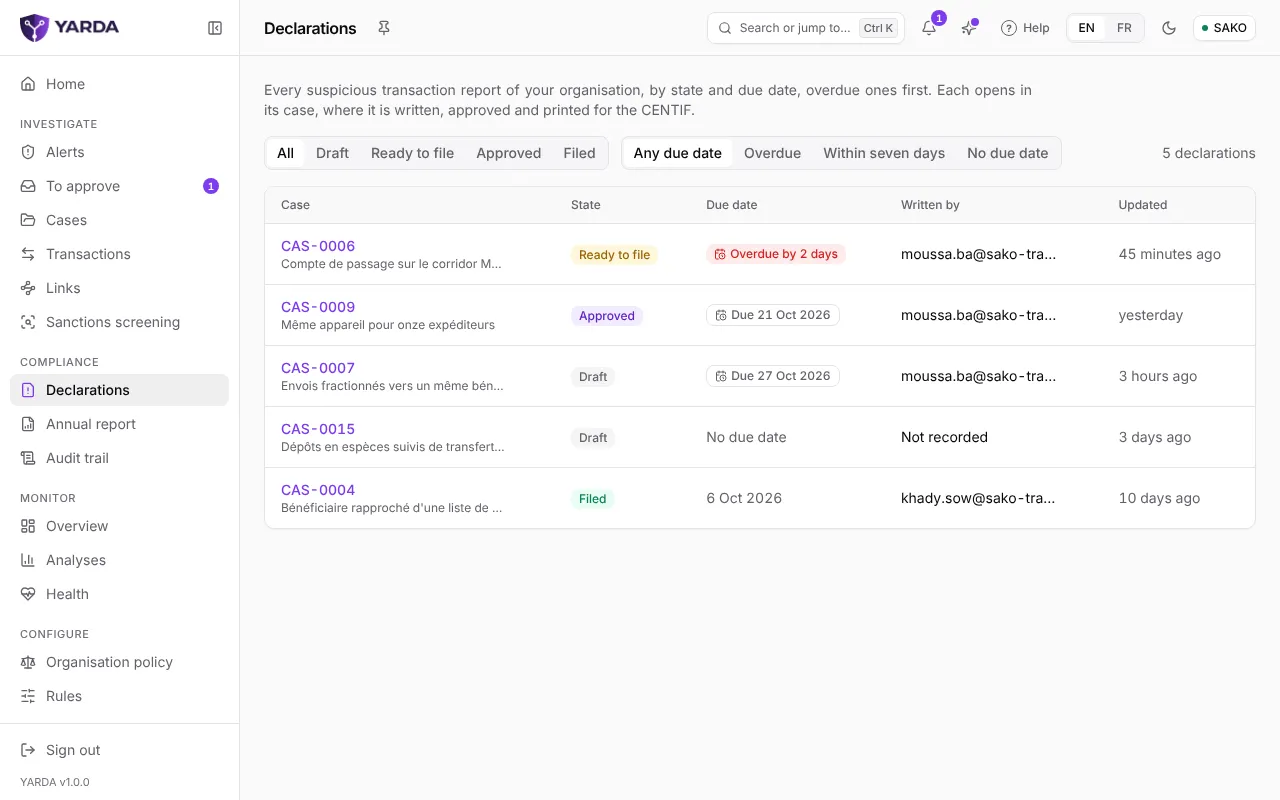
“Declarations”, in the Compliance section, lists all your organisation’s reports, overdue ones first. Filter by state (“Draft”, “Ready to file”, “Approved”, “Filed”) and by due date (“Overdue”, “Within seven days”, “No due date”). Each report opens in its case.
Writing in the case
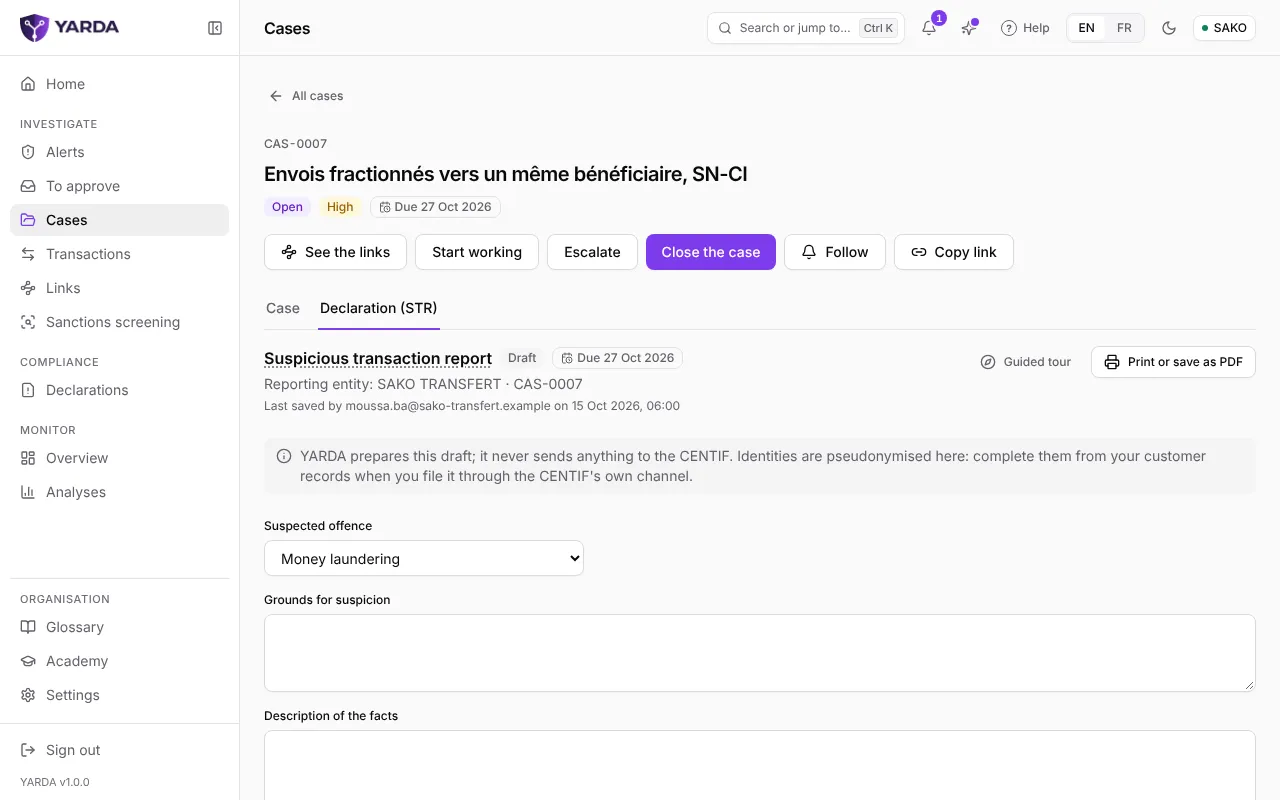
Open the case, then its “Declaration (STR)” tab. The report takes up the case: reporting person, reference, due date, and the table of operations with their totals by currency. Fill in:
- the suspected offence: money laundering, terrorist financing, fraud or other;
- the grounds for suspicion;
- the description of the facts;
- the measures taken, for instance transfers held or an account restricted.
“Save draft” keeps your work at any time. When your policy turns on the investigation copilot, a draft of the written parts may be offered: read it and complete what it leaves to your institution before going further.
The official form
Below the text, “Official CENTIF form” follows the model of the CENTIF of Côte d’Ivoire (order n° 391 MEF/CENTIF of 30 October 2017). “Fill in the form” opens its sections: reporting entity, general information, analysis and signature. The console lists the mandatory fields still empty. The identity of persons is not entered here: the printed form leaves that sheet to your institution.
Marking it ready, then having it approved
“Mark ready to file” needs at least the grounds and the description of the facts. When your policy puts the filing of reports under four eyes, the “Approval needed before filing” section appears: someone other than the person who marked it ready chooses “Approve the report”. That person holds at least the supervisor role, or the one your policy sets. Any change after the approval needs a new one.
The request also reaches the “To approve” inbox of those who may decide it. “Back to draft” returns the report to the draft state.
Printing and filing
“Print or save as PDF”, at the top of the report, opens a page ready to print. Once the report is filed with the CENTIF through your usual channel, come back to the case: “Record the filing” asks for the filing date and the reference received from the CENTIF. Your policy may ask you to confirm your identity at that point.
The sealed report
Once recorded, the report is frozen: it no longer follows the case and can no longer change. The console shows its SHA-256 fingerprint and checks that the kept copy has not changed. The report’s annexes are sealed with it.
From the sealed report, “PDF, YARDA layout”, “PDF on the CENTIF form” and “Export the data” are open to the roles your policy names. Every download is written to the audit trail.
Screenshots taken on the fictitious demonstration data, on .